
Best WordPress Hosting 2025: 14 Top Providers Compared

Disclaimer: This post is not a financial or investing advice, it’s for educational purposes only. It may contain affiliate links, meaning I get a commission if you decide to make a purchase, at no extra cost to you. Read our disclosure

Are you on the hunt for the best WordPress hosting options for 2025? With so many choices out there, it can be overwhelming to find the perfect fit for your website. Luckily, I’ve done the research for you and compiled a list of the top 14 WordPress hosting providers.
Whether you’re starting a blog, a small business owner, or just starting out in the online world, our list has something for everyone. From lightning-fast speeds to top-notch security features, each hosting option offers unique benefits that can take your website to the next level.
You may also want to read other WordPress guides:
What are the Best WordPress Hosting Providers?
After thorough testing and experimentation, here are the best WordPress hosting providers in 2025.
1. Chemicloud


ChemiCloud stands out in the web hosting arena for its robust and user-friendly offerings, tailored to meet the needs of diverse websites, from small blogs to large online stores. It prides itself on high uptime rates, thanks to its global network of servers, ensuring your website remains accessible to users around the clock. Speed is another forte, with advanced technologies like SSD storage and LiteSpeed caching accelerating website performance.
Main Features
- High Uptime Guarantee: Ensures that websites are almost always accessible to visitors.
- Fast Loading Speeds: Utilizes SSD storage and LiteSpeed caching for enhanced website performance.
- Global Server Locations: Multiple data center locations around the world for better reach and speed.
- Free Domain for Life: Offers a free domain registration as long as you use their hosting services.
- Free Let’s Encrypt SSL Certificates: For secure, encrypted connections between servers and browsers.
- Daily Backups: Automatic daily backups to safeguard your data.
- 24/7 Customer Support: Accessible via live chat, email, and phone for any assistance needed.
- Free Website Migration: Assistance in moving your existing website to ChemiCloud without additional costs.
- Cloudflare CDN Integration: Improves website loading times and security through its content delivery network.
- LiteSpeed Web Server: High-performance web server technology for improved efficiency and speed.
Pros of Chemicloud
Cons of Chemicloud
Pricing
ChemiCloud’s pricing structure is transparent and offers various tiers to accommodate different needs and budgets. Shared hosting plans start from around $3.95 per month, offering a solid foundation for small to medium-sized websites. More robust solutions like VPS and dedicated hosting are available for those requiring higher performance and resources, with prices varying based on the chosen configuration.
2. BlueHost
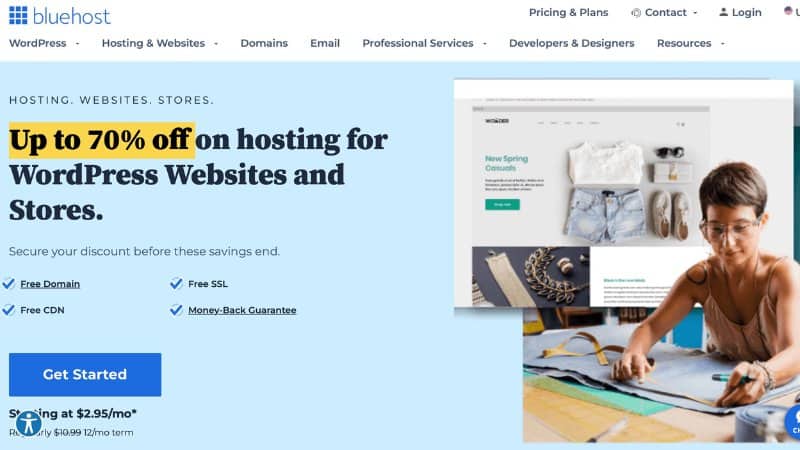
BlueHost is an excellent WordPress hosting provider for those looking for an affordable and easy-to-use platform. It is ideal for small business owners, bloggers, and beginners who need a reliable hosting provider without breaking the bank.
Main Features
- Free domain name registration for the first year
- 24/7 customer support via phone, chat, or email
- One-click WordPress installation
- Automatic WordPress updates
- Free SSL certificate
- Unmetered bandwidth and storage
- 30-day money-back guarantee
Pros of Bluehost
Cons of Bluehost
Pricing
BlueHost offers different hosting plans for various needs and budgets, including shared hosting, managed WordPress hosting, and dedicated hosting. The shared hosting plans start at $2.95 per month, while the managed WordPress hosting plans start at $19.95 per month. Get 70% Off with BlueHost.
3. SiteGround

SiteGround is an excellent WordPress hosting provider for those looking for a reliable and high-performing hosting platform. It’s fast website loading times and daily backups make it a worthwhile investment for those looking for a top-tier WordPress hosting solution.
Main Features
- Free website migration
- 24/7 customer support via phone, chat, or email
- Automatic WordPress updates
- Free SSL certificate
- Daily backups
- SuperCacher for faster website loading times
- 99.9% uptime guarantee
Pros of Siteground
Cons of Siteground
Pricing
SiteGround offers different hosting plans for various needs and budgets, including shared hosting, managed WordPress hosting, and cloud hosting. The shared hosting plans start at $6.99 per month, while the managed WordPress hosting plans start at $14.99 per month.
4. WP Engine
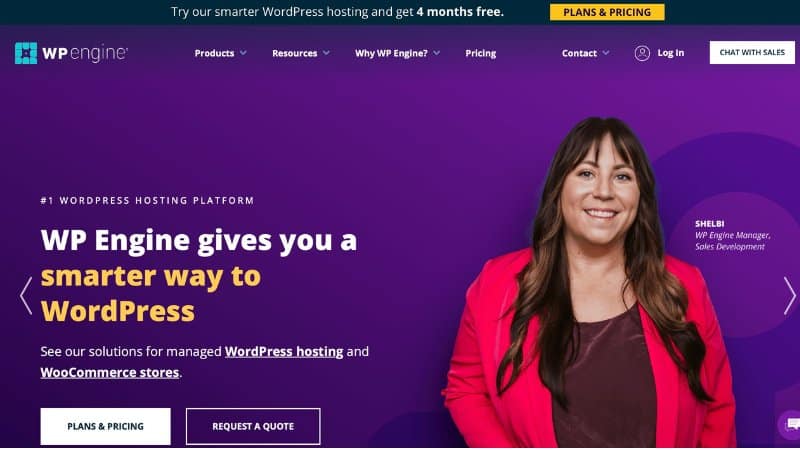
WP Engine is an excellent WordPress hosting provider for those looking for a top-tier hosting solution. While its pricing may be higher than some competitors, its developer-friendly tools and expert customer support make it a worthwhile investment for those looking for a customizable and scalable hosting platform.
Main Features
- Customizable WordPress environment
- Automated WordPress updates
- Daily backups
- Excellent security features
- Free SSL certificate
- Developer-friendly tools and features
- 24/7 customer support via phone, chat, or email
Pros of WP Engine
Cons of WP Engine
Pricing
WP Engine offers different hosting plans for various needs and budgets, including managed WordPress hosting and custom enterprise solutions. The managed WordPress hosting plans start at $30 per month, while the custom enterprise solutions are priced based on specific requirements. Get 4 months FREE with WP Engine.
5. Kinsta
Kinsta is a managed WordPress hosting provider that offers enterprise-level hosting solutions for businesses and high-traffic websites. It is known for its lightning-fast servers, advanced security features, and excellent customer support.
Main Features
- Google Cloud Platform hosting
- Customizable WordPress environment
- Automatic daily backups
- Free CDN and SSL certificate
- Staging environments
- Developer-friendly tools and features
- 24/7 customer support via chat, phone, or email
Pros of Kinsta
Cons of Kinsta
Pricing
Kinsta offers various managed WordPress hosting plans that range from $30 to $1,500 per month, depending on the number of websites and the amount of traffic. Custom enterprise solutions are also available. Get a 30-Day Moneyback Guarantee with Kinsta.
6. DreamHost

DreamHost is one of the oldest and most trusted web hosting companies in the market. Since 1996, they have been providing reliable, secure, and fast hosting services to businesses and individuals.
Main Features
- Unlimited bandwidth and storage
- Free domain name
- Automated WordPress updates
- Customized control panel
- One-click WordPress installation
- Unlimited email accounts
Pros of Dreamhost
Cons of Dreamhost
Pricing
DreamHost offers three shared hosting plans:
- Web Hosting Launch – $1.99/month (4-year plan. Renews at $7.99/month)
- Web Hosting Growth – $3.49/month (4-year plan. Renews at $8.99/month)
- Web Hosting Scale – $7.99/month (4-year plan. Renews at $19.99/month)
Get started with Dreamhost for $2.59/month.
7. Hostinger
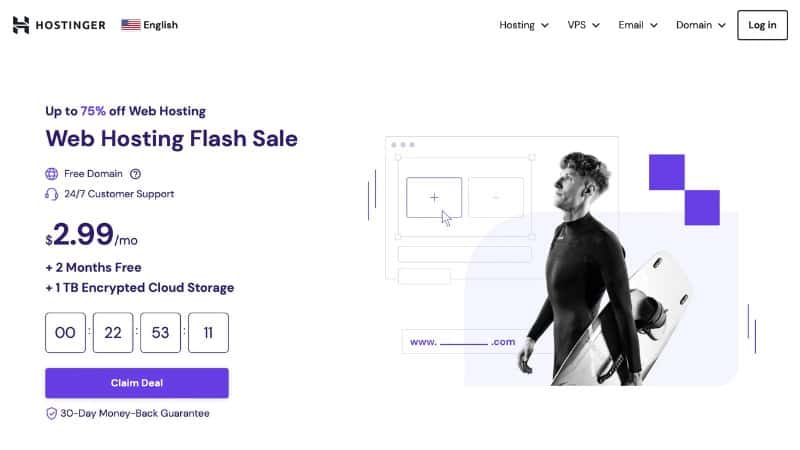
Hostinger is one of the most popular and affordable web hosting providers in the market. It was founded in 2004 and has since then grown to become a leading player in the industry. Hostinger provides a range of web hosting services, including shared hosting, VPS hosting, and cloud hosting, making it a versatile option for businesses of all sizes.
Main Features
- Affordable pricing
- Free domain name
- User-friendly control panel
- 99.9% uptime guarantee
- Excellent customer support
- One-click WordPress installation
- Free SSL certificate
Pros of Hostinger
Cons of Hostinger
Pricing
Hostinger offers three shared hosting plans: Single, Premium, and Business. The Single plan is the most basic and starts at $1.39 per month, while the Premium and Business plans offer more features and start at $2.59 per month and $3.99 per month, respectively. Hostinger also offers VPS and cloud hosting options, with prices ranging from $3.95 per month to $38.99 per month. Get up to 75% OFF with Hostinger.
8. A2 Hosting
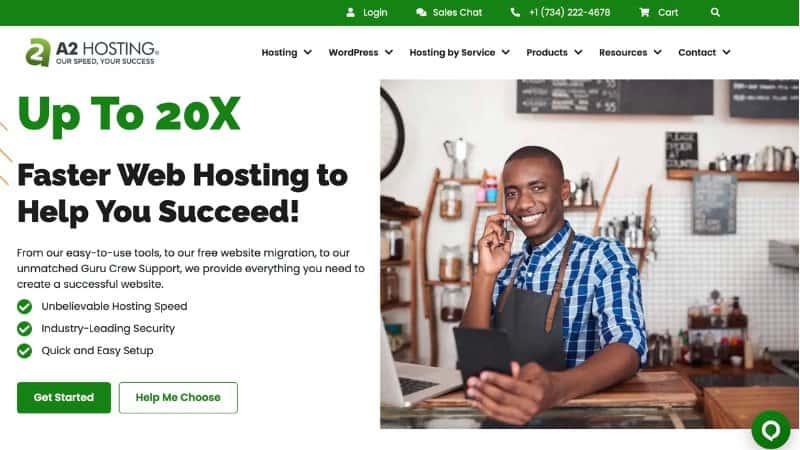
A2 Hosting is a reliable and affordable web hosting provider that offers a variety of hosting options for individuals and businesses. They provide a range of features and tools that make it easy to create and manage a website.
Main Features
- Fast and reliable hosting with up to 20x faster servers
- Free SSL certificate for enhanced security
- Automatic backups and easy site migration
- 24/7 customer support via phone, live chat, and email
- Choice of data center locations for optimal speed
Pros of A2 Hosting
Cons of A2 Hosting
Pricing
A2 Hosting offers a range of hosting plans starting at $2.99 per month for shared hosting and going up to $290 per month for dedicated hosting. They also offer VPS hosting and reseller hosting options. Get up to 20x faster hosting with A2 Hosting
9. InMotion Hosting
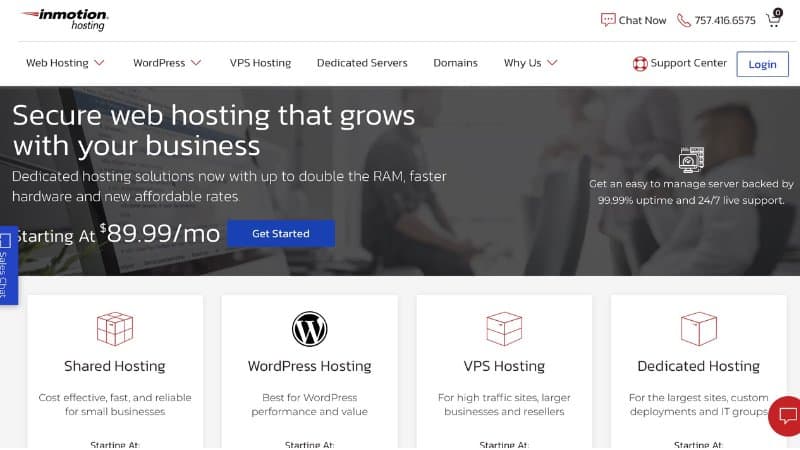
InMotion Hosting is a web hosting company that offers various hosting plans suitable for businesses of different sizes. It has been in the industry for over 20 years, providing quality services to its clients.
Main Features
- 99.9% uptime guarantee
- Free website migration
- Unlimited disk space and bandwidth
- Free SSL certificates
- Malware protection and automatic backups
- 24/7 customer support
Pros of InMotion Hosting
Cons of InMotion Hosting
Pricing
InMotion Hosting offers various hosting plans, including shared hosting, VPS hosting, dedicated servers, and WordPress hosting. The shared hosting plans start at $6.99/month, VPS hosting starts at $17.99/month, dedicated servers start at $105.69/month, and WordPress hosting starts at $4.99/month. Get started as low as $3.99/month.
10. Namecheap
Namecheap is a popular web hosting company that offers affordable and reliable hosting solutions for individuals and businesses. With more than 2 million customers, Namecheap has established itself as a trustworthy provider of web hosting, domain registration, and other online services.
Main Features
- User-friendly control panel
- Free domain name and SSL certificate
- Unlimited bandwidth and storage
- 24/7 customer support
- One-click WordPress installation
- Multiple server locations
- Automatic backups and updates
Pros of Namecheap
Cons of Namecheap
Pricing
Namecheap offers three shared hosting plans: Stellar, Stellar Plus, and Stellar Business. The Stellar plan starts at $1.58 per month and includes one website, 20GB of storage, and unlimited bandwidth. The Stellar Plus plan starts at $2.68 per month and includes unlimited websites, storage, and bandwidth, as well as automatic backups. The Stellar Business plan starts at $4.80 per month and includes all the features of the Stellar Plus plan, plus a free domain name, priority support, and a higher level of security. Start your 30-day free trial.
11. GreenGeeks

GreenGeeks is a web hosting provider that focuses on providing environment-friendly hosting solutions. Founded in 2008, the company boasts an impressive record of 99.99% uptime and a range of features that make it a popular choice for individuals and businesses alike.
Main Features
- Environmentally-friendly hosting solutions
- Unlimited bandwidth and storage
- Free domain name for the first year
- Free SSL certificate
- Automatic updates and backups
- 24/7 support via phone, email, and live chat
- 30-day money-back guarantee
Pros of GreenGeeks
Cons of GreenGeeks
Pricing
GreenGeeks offers three different pricing plans: Lite, Pro, and Premium.
- Lite – $1.95/month (1-year plan. Renews at $13.95/month)
- Pro – $3.95/month (1-year plan. Renews at $18.95/month)
- Premium – $5.95/month (1-year plan. Renews at $30.95/month)
All plans come with a 30-day money-back guarantee. Get started for only $2.95/month.
12. LiquidWeb
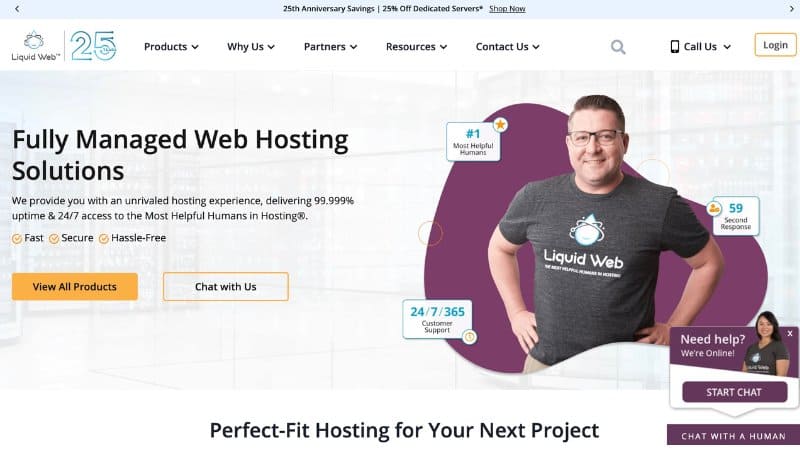
Liquid Web is a managed hosting provider that offers a variety of hosting solutions for businesses of all sizes. They specialize in high-performance hosting, with a focus on providing reliable and secure hosting environments for their customers.
Main Features
- Fully-managed hosting services
- High-performance hosting solutions
- Multiple data centers across the globe
- Automatic backups and server monitoring
- 24/7 technical support
- Customizable hosting plans to fit specific needs
- Enterprise-level security measures
Pros of Liquidweb
Cons of Liquidweb
Pricing
Liquid Web‘s pricing varies depending on the type of hosting solution chosen. Their dedicated hosting plans start at $199/month, while their VPS hosting plans start at $15/month. Cloud hosting plans are priced based on usage, with prices starting at $0.07/hour. Get 99.99% uptime with LiquidWeb.
13. HostGator

HostGator is a web hosting company that offers a range of hosting plans for different types of websites. It has been around for over 17 years and is known for its affordable pricing, easy-to-use platform, and reliable uptime.
Main Features
- Unlimited bandwidth and disk space
- Free SSL certificate
- One-click WordPress installation
- 24/7 customer support via live chat, phone, and email
- Free website migration
- 99.9% uptime guarantee
- Easy-to-use cPanel control panel
- Automatic backups
Pros of Hostgator
Cons of Hostgator
Pricing
HostGator offers three main hosting plans: Hatchling, Baby, and Business. The Hatchling plan is the most basic and starts at $2.75 per month. The Baby plan is the most popular and starts at $3.95 per month, while the Business plan is the most advanced and starts at $5.95 per month. Each plan offers different features and benefits, with the Business plan offering the most advanced features. Get started for only $2.75/month.
14. FlyWheel

Flywheel is a WordPress hosting company that offers a simple and streamlined platform specifically designed for designers and agencies. With a focus on speed, security, and user-friendly design, Flywheel aims to make WordPress hosting hassle-free.
Main Features
- Easy WordPress site management
- Fast and reliable performance with optimized servers
- Built-in caching and CDN
- Free SSL certificates
- Staging environments for testing and development
- Collaborative features for teams
- Managed plugin and core updates
- White-labeling options for resellers
Pros of Flywheel
Cons of Flywheel
Pricing
Flywheel offers several pricing plans depending on the needs of the user, starting at $15/month for a single site with basic features, up to $290/month for large agencies with multiple sites and advanced features. Get a 60-day guarantee with FlyWheel.
What is WordPress Hosting?
WordPress Hosting refers to web hosting optimized for WordPress websites. It is specifically designed to support the unique requirements of WordPress websites, such as its content management system, WordPress plugins, themes, and other features. With WordPress hosting, your website will run smoother, faster, and more securely.
Types of Web Hosting
There are four types of website hosting: Shared, Managed, VPS, and Dedicated hosting.
- Shared Hosting: the most popular and cost-effective option, where multiple websites share a single server.
- Managed Hosting: More expensive, but it offers additional features such as automatic updates, backups, and security monitoring.
- Dedicated Hosting: Most powerful and expensive option, where you have your own physical server to host your website.
- VPS Hosting: More control and flexibility, as you have your own virtual server to host your website.
How to Choose the Best Web Hosting
When choosing the best WordPress hosting, there are six factors that should be taken into consideration.
- Speed: WordPress hosting should provide fast loading times for your website. This is essential for providing a good user experience and improving your website’s SEO ranking.
- Reliability: The hosting provider should have a high uptime percentage and offer reliable hosting solutions. This means that your website should be accessible at all times, without any downtime.
- Security: It should provide backup solutions and ensure that your website is secure from any potential security threats.
- Support: You should choose a hosting provider that offers responsive and knowledgeable customer support. This can be in the form of 24/7/365 support, live chat, email support, or phone support.
- Resources: They should also provide resources and tutorials to help you troubleshoot any issues that may arise.
- Server Locations: Choose a hosting provider that has servers located in your target audience’s region, as this will help improve your website’s speed and performance.
Frequently Asked Questions
What is the difference between Shared Hosting and WordPress Hosting?
Shared hosting is a type of web hosting where multiple websites are hosted on a single server, while Managed WordPress hosting is specifically designed for hosting WordPress websites. WordPress hosting provides features such as automatic updates, backups, and optimized performance for WordPress sites.
Can I migrate my existing website to a WordPress hosting provider?
Yes, you can migrate your existing website to a WordPress hosting provider. Most WordPress hosting providers offer free migration services, and there are also plugins such as All-in-One WP Migration that can simplify the process.
Do I need technical skills to manage a WordPress hosting account?
No, you do not need advanced technical skills to manage a WordPress hosting account. Most WordPress hosting providers offer user-friendly control panels and easy-to-use interfaces that make it easy to manage your site.
What is the best WordPress hosting provider for beginners?
Chemicloud, SiteGround, and Bluehost are both excellent options for beginners. They offer user-friendly interfaces and helpful customer support that can assist with any issues you may encounter.
Is managed WordPress hosting worth the extra cost?
Managed WordPress hosting can be worth the extra cost if you have a high-traffic website or need advanced features such as staging environments or automatic backups. Managed hosting providers typically provide better performance and security than shared hosting providers.
Can I use a free WordPress hosting provider?
Yes, there are free WordPress hosting providers such as WordPress.com and Wix. However, these providers typically have limited features and functionality compared to paid WordPress hosting providers.
How do I choose the best WordPress hosting provider for my website?
Consider factors such as performance, reliability, security, customer support, and pricing when choosing a WordPress hosting provider. It is also important to consider the specific needs of your website, such as the amount of traffic it receives and the features required.
Final Thoughts
Choosing the right WordPress hosting provider is essential to the success of any website. The best WordPress hosting sites listed in this article offer top-notch performance, features, and value for money.
Whether you’re looking for reliability, security, speed, or scalability, there is a hosting provider on this list that can meet your requirements. By carefully considering your needs and comparing the features and pricing of these providers, you can choose the best WordPress hosting provider for your website and take your online presence to the next level.





Hi, I want to start a website. Few questions, if money is not an issue, what is the best hosting? Also, what is the cheapest option? VPS or Shared, which is better?
If there are no budget restrictions, VPS hosting is the best choice.
But this makes no sense if you’re just starting out, since the price is kinda steep for a website that doesn’t have much traffic yet.
What I recommend is start with a Shared hosting, and then scale your way up to VPS hosting if you’re having more traffic than expected.
Read our beginners guide to blogging here https://juaninvestor.com/how-to-start-a-blog.