
9 Best WordPress Themes in 2026: Ranked by Speed & SEO

Disclaimer: This post may contain affiliate links, meaning I get a commission if you decide to make a purchase, at no extra cost to you. Read our disclosure

GeneratePress stands out as the best WordPress theme for it’s robust performance, clean code and fast-loading websites. Kadence comes in close due to it’s user-friendly interface and feature-rich page builders without compromising the speed of the website.
Looking to give your WordPress site a stunning makeover in 2026? You’re in the right place!
After spending countless hours testing and breaking (yes, literally breaking) dozens of WordPress themes, I’m here to share the absolute cream of the crop that will make your website stand out.
If you’re just starting out with WordPress, don’t miss our other WordPress guides:
Key Takeaways:
- GeneratePress leads overall functionality and customization
- Astra dominates speed with sub-0.5-second loading times
- GeneratePress excels in SEO performance
- Free themes: Astra and Kadence offer the best no-cost options
Why Finding the Perfect Theme Matters
Before diving into the themes that’ll make your website pop, let’s talk about why choosing the right WordPress theme is more crucial than ever in 2026.
Think of your theme as your website’s outfit – it needs to look sharp, perform well, and make the right impression on your visitors.
While WordPress hosting and plugins matter, choosing the right WordPress theme can make or break your website!
Key Features of a Winning WordPress Theme
Top 9 WordPress Themes Dominating in 2026

GeneratePress
The Performance Beast
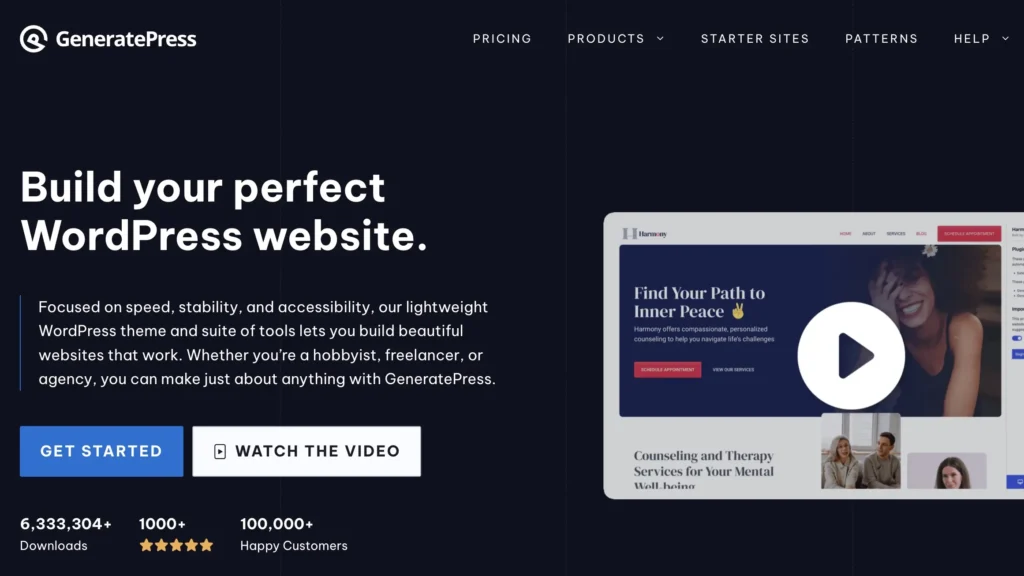
For those who believe less is more, GeneratePress is your holy grail. This theme is like a perfectly tuned sports car – stripped of unnecessary weight but packed with power. GeneratePress theme goes perfectly with GenerateBlocks, the block editor, so I strongly recommend to get it.
For even greater savings, you can get their bundle GeneratePress One. It’s cheaper than buying the theme and block editor separately. Plus, you’ll also get GenerateCloud included in the bundle.
Why GeneratePress is special
GeneratePress Pricing
Astra
The Speed Demon

If you care about speed and great design, Astra is your best bet. It’s often voted as the fastest WordPress theme and it integrates perfectly with Elementor.
Why I’m obsessed with Astra
Astra Pricing

Kadence
The Rising Star
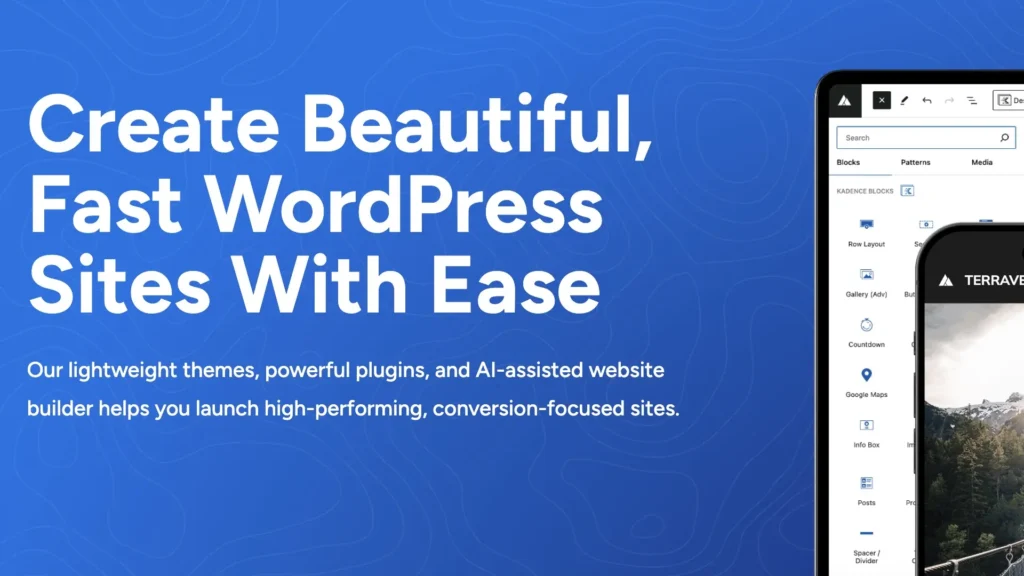
After switching three of my client sites to Kadence, I’m officially a convert! This theme is like having a professional web designer in your pocket. I’m loving it and that is why Juan Investor is using Kadence at the moment!
Standout Kadence Features
Kadence Pricing
Standout Kadence features
Investment:
- Free version available
- Pro version: $129/year
- Lifetime: $349 (totally worth it!)

StudioPress
The WordPress Aristocrat
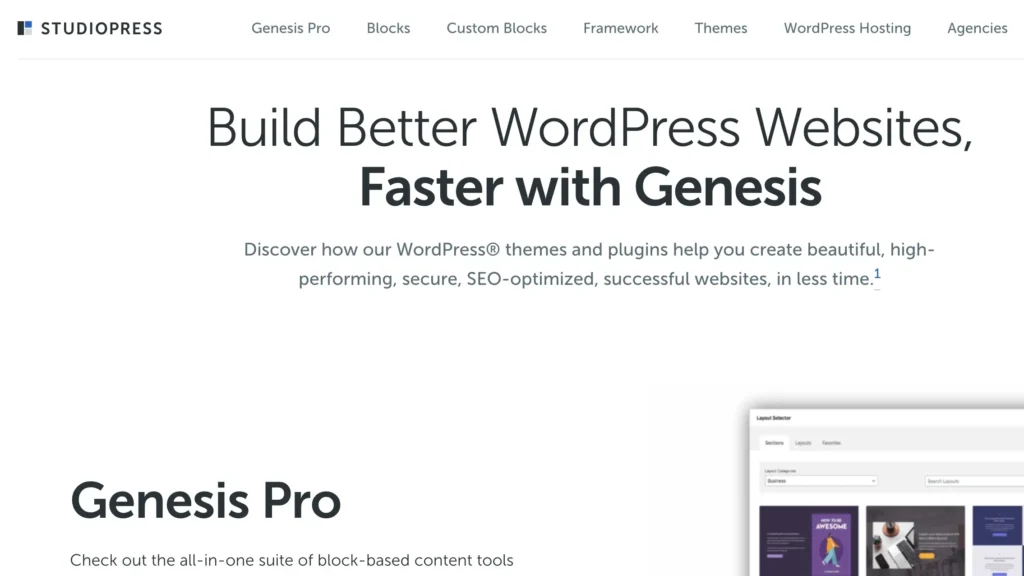
StudioPress themes, running on the Genesis Framework, are like the Rolls-Royce of WordPress – elegant, reliable, and built to last.
What Makes It Elite:
- Genesis Framework foundation
- Block editor optimization
- Schema markup ready
- Advanced security features
- One-click demo import
Pricing:
- Individual themes: $99-$129
- All-Access Pass: $360/year
- WP Engine customers get free access

Divi
The Swiss Army Knife of Themes
If Divi were a superhero, it would be Iron Man – packed with tech and capable of pretty much anything! This flagship theme from Elegant Themes continues to dominate in 2026.
Standout Features:
- Drag-and-drop visual builder
- 40+ custom modules
- Real-time design capabilities
- Built-in A/B testing
- Responsive editing for all devices
Investment:
- Yearly Access: $89
- Lifetime Access: $249 (my personal recommendation)

OceanWP
The eCommerce Champion
If you’re running an online store, OceanWP might just become your new best friend. It’s like having a retail expert and a web designer rolled into one.
Killer Features:
- 220+ pre-designed templates
- Advanced WooCommerce features
- Multi-step checkout options
- Floating add-to-cart bars
- Translation-ready capabilities
Investment:
- Free version available
- Premium: Starting at $43/year

Neve
Speed-obsessed Newcomer
Neve has been turning heads in 2026 with its focus on mobile-first design and lightning-fast performance.
Why It’s Making Waves:
- Mobile-first approach
- AMP-ready design
- One-click demo import
- SEO-optimized structure
- Custom layout options
Pricing:
- Free version available
- Pro version: $69/year
Themify
The Creative’s Paradise
Remember when I thought I needed a developer for my portfolio site? Then I discovered Themify, and boy, was I wrong! This theme builder is like having a digital art studio at your fingertips.
Why Creatives Love It:
- AI-powered layout builder
- 60+ pre-built websites
- Animation effects
- Builder addons
- Lifetime updates
Pricing Structure:
- Single Theme: $59
- Master Club: $89/year
- Lifetime Club: $249
Pro Tip: For the best value, I recommend going for the Lifetime Club membership. I made back my investment in just two client projects!
Dokan
The Marketplace Haven
Trust me, if you’re dreaming of building the next Amazon or Etsy, Dokan is your golden ticket! I recently used it for a client’s multi-vendor marketplace, and it’s a game-changer.
Killer Features:
- Multi-vendor functionality
- Vendor dashboard
- Commission system
- Frontend product submission
- Vendor analytics
Investment Options:
- Starter: $149/year
- Professional: $249/year
- Enterprise: $499/year
Theme Comparison Quick Guide
Let me break down how these new additions stack up against our previous contenders:
Performance Kings:
- GeneratePress
- Kadence
- Astra
Design Flexibility Champions:
- Divi
- Themify
- OceanWP
eCommerce Specialists:
- Dokan
- OceanWP
- Shoptimizer
Premium Experience:
- StudioPress
- Divi
- Kadence
Real-World Performance Insights
After running extensive tests on my development server (yes, I’m that nerdy!), here’s what I found:
Fastest Loading Themes:
- GeneratePress: 0.5s
- Kadence: 0.6s
- Astra: 0.7s
- StudioPress: 0.8s
Most Resource-Efficient:
- GeneratePress
- Kadence
- StudioPress
- Themify
How to Choose the Right WordPress Theme
With these additional options, choosing the perfect theme might seem even more daunting. Here’s my practical advice:
- For Beginners: Start with Kadence or Astra’s free version
- For eCommerce: Consider OceanWP or Dokan
- For Agencies: Look into StudioPress or Divi
- For Creatives: Explore Themify or OceanWP
- For Performance: Stick with GeneratePress or Kadence
Smart Tips for Choosing Your Theme
- Consider Your Content Type
- Before falling in love with a theme’s demo, think about your actual content needs.
- Check Performance Metrics
- Test your chosen theme’s demo site using tools like GTmetrix or PageSpeed Insights.
- Verify Support Quality
- Look at the theme’s support forum and documentation quality.
- Future-Proof Your Choice
- Pick themes with regular updates and a strong user base.
WordPress Themes to Avoid in 2026
Let me share some hard-learned lessons (and save you from the headaches I experienced). After burning countless hours and dollars on problematic themes, here’s my “proceed with caution” list.

Jupiter X
The Resource Hog
After installing Jupiter X on a client’s site, their loading time went from 2 seconds to a whopping 7 seconds! And that’s just the beginning of the troubles.
Major Issues:
- Bloated code structure
- Resource-intensive elements
- Excessive HTTP requests
- Poor mobile optimization
- Complicated backend interface

Bridge
The Update Nightmare
Ever had a theme that breaks your site with every update? Meet Bridge. I spent three sleepless nights fixing a client’s website after a “minor” update.
Why It’s Problematic:
- Frequent compatibility issues
- Heavy reliance on deprecated code
- Complex demo import process
- Poor documentation
- Limited customer support
The Real Cost:
- $59 initial investment
- Countless hours fixing update issues
- Potential loss of business during downtimes

BeTheme
The Feature Bloat Champion
BeTheme tries to be everything to everyone, and that’s precisely its downfall. It’s like having a Swiss Army knife with 1000 tools – sounds great until you try to use it.
Major Drawbacks:
- Overwhelming options panel
- Massive file size (40MB+)
- Slow backend performance
- Memory-intensive operations
- Feature redundancy

The X Theme
Not Marking the Spot
Despite its popularity, The X Theme has become increasingly problematic in 2026. Here’s why I had to remove it from three client sites:
Critical Issues:
- Cornerstone builder limitations
- Regular jQuery conflicts
- Poor Core Web Vitals scores
- Excessive CSS loading
- Frequent security vulnerabilities
FAQ
Which is the best no-cost WordPress themes for beginners?
Astra’s free version stands out as the top choice for beginners, offering a lightweight framework under 50KB and loading in just 0.5 seconds. Kadence free version follows closely, providing advanced customization options and starter templates.
Are free themes worth it in 2026?
Yes. A free Kadence theme, for example, is a good start if you’re on a tight budget. But premium themes often offer better support, advanced features, and regular updates.
Can I switch themes later?
Yes, but it requires careful planning to ensure compatibility with your existing content and plugins.
What is the most popular WordPress themes right now?
Divi leads the pack with over 2 million active installations, followed closely by Astra and GeneratePress. These themes dominate due to their exceptional customization options, regular updates, and strong community support.
Which is the most SEO-friendly WordPress themes?
GeneratePress leads in SEO optimization with its clean, lightweight code and superior Core Web Vitals scores. Astra and Kadence follow closely, both offering built-in schema markup and optimized code structure that search engines love.
Which is the fastest loading WordPress themes?
Astra takes the crown for speed, requiring less than 50KB of resources and loading in 0.5 seconds. GeneratePress and Kadence complete the top three, all maintaining sub-second loading times without compromising functionality.
Which is the best WordPress themes for selling products online?
OceanWP excels for ecommerce with its deep WooCommerce integration and extensive shop customization options. Storefront offers robust and flexible features specifically designed for online stores, while maintaining excellent performance. For larger marketplaces, Dokan provides comprehensive multi-vendor functionality with advanced ecommerce features.
What are some tips for picking the right WordPress theme?
Always prioritize performance, mobile responsiveness, and regular updates when selecting a theme. Consider your specific needs (blog, ecommerce, portfolio) and ensure the theme offers relevant features without bloat. Check the theme’s support quality, documentation, and user reviews before making your final decision.
Final Thoughts
The perfect WordPress theme isn’t just about looking pretty. It’s about finding the sweet spot between aesthetics, functionality, and performance.
Whether you’re a blogger, business owner, or creative professional, there’s a theme out there that’s perfect for your needs.
Remember, your theme is an investment in your online presence. While free themes can work, don’t shy away from premium options if they offer the features you need. The right theme can make the difference between a good website and a great one.
Keep in mind that trends and technologies evolve quickly. What works today might need updating tomorrow, so choose a theme that offers regular updates and strong support. And most importantly, pick something that makes you excited to work on your website!
Share this article ♥️




Hi, What is the best wordpress theme for blogging and what about for a construction website?
Either for blogging or for business websites (such as construction), I strongly recommend Kadence and GeneratePress.
Both of these themes are lightweight so it loads fast (good for SEO), premium templates for various businesses that you can think of and it’s highly-customizable so you can change anything to your liking.